Cat5, Cat5e and Cat6: What’s the Difference?

When it comes to CCTV systems, network cable is critical yet often overlooked. It connects cameras and recording equipment, ensuring stable performance, reliable power delivery, and durability. Choosing the right cable significantly improves CCTV efficiency, whether for basic home or advanced commercial setups. In this guide, we’ll break down the most used network cable types for CCTV installation, Cat5e and Cat6, and explain the key differences between them.
When it comes to CCTV systems, network cable is critical yet often overlooked. It connects cameras and recording equipment, ensuring stable performance, reliable power delivery, and durability.
Choosing the right cable significantly improves CCTV efficiency, whether for basic home or advanced commercial setups.
In this guide, we’ll break down the most used network cable types for CCTV installation, Cat5e and Cat6, and explain the key differences between them.
Cat5 Cable
Cat5 is the oldest of the three cable types, designed for basic Ethernet networking. Cat5 can still work for some legacy CCTV systems but is generally outdated for modern CCTV systems.
Key Features:
- Supports speeds up to 100 Mbps
- Typically uses 24 AWG copper conductors.
- Suitable for older low-bandwidth systems
Cat5e Cable
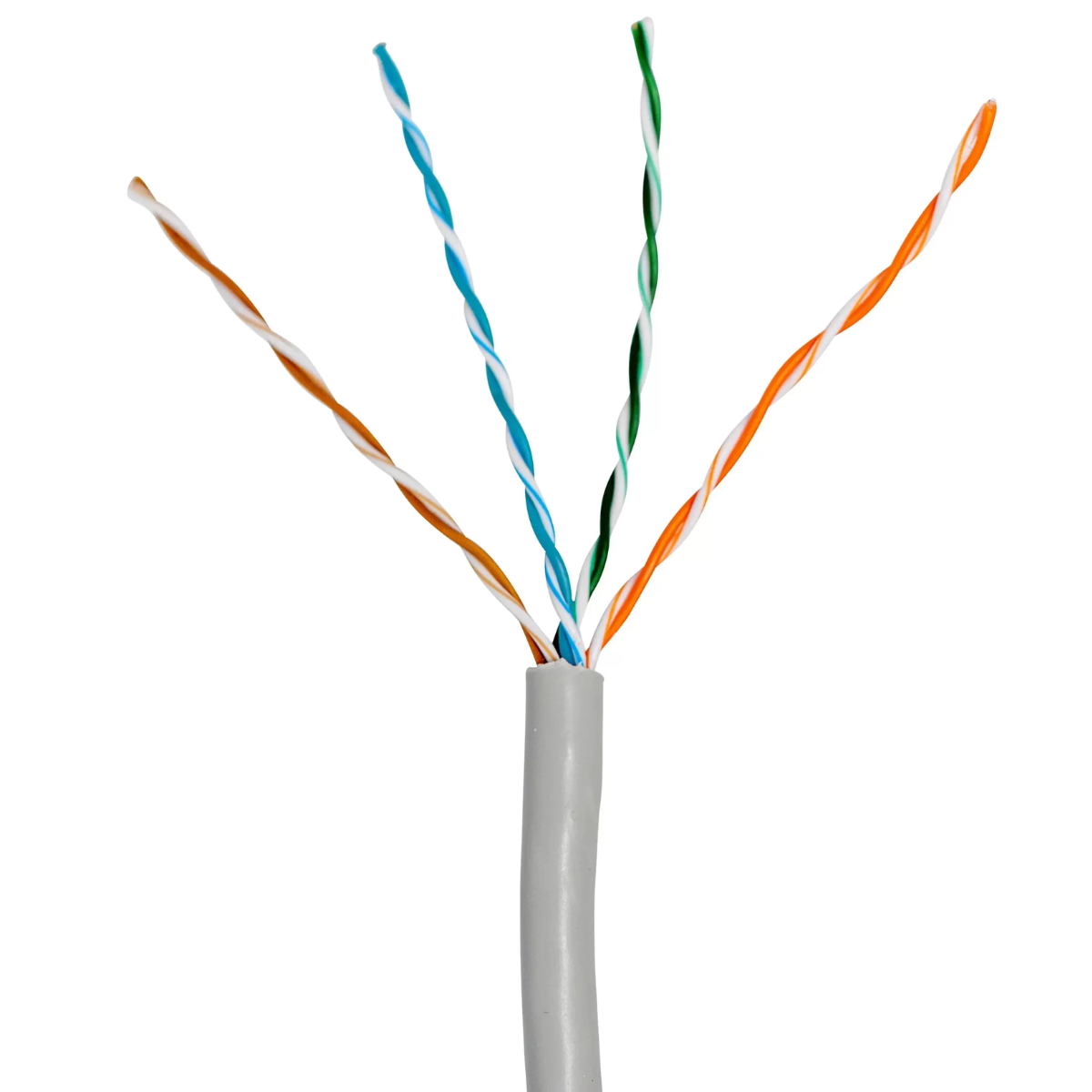
Cat5e cabling suits most residential and small-business CCTV systems and efficiently supports HD IP cameras. It provides up to 1 Gbps speeds, improved bandwidth, and uses 24 AWG conductors. Cat5e supports Power over Ethernet (PoE), meaning it can deliver both data and electrical power over a single cable to PoE-enabled cameras.
Key Features:
- Speeds up to 1 Gbps
- Better resistance to interference
- Improved bandwidth for HD cameras
- 24 AWG conductors
- Full support for Po
Benefits of Cat5e cable for CCTV:
- Affordable
- Reliable for HD cameras
- Easy to install
- Supports Power over Ethernet
Cat5e offers excellent value for standard CCTV installations.
Cat6 Cable
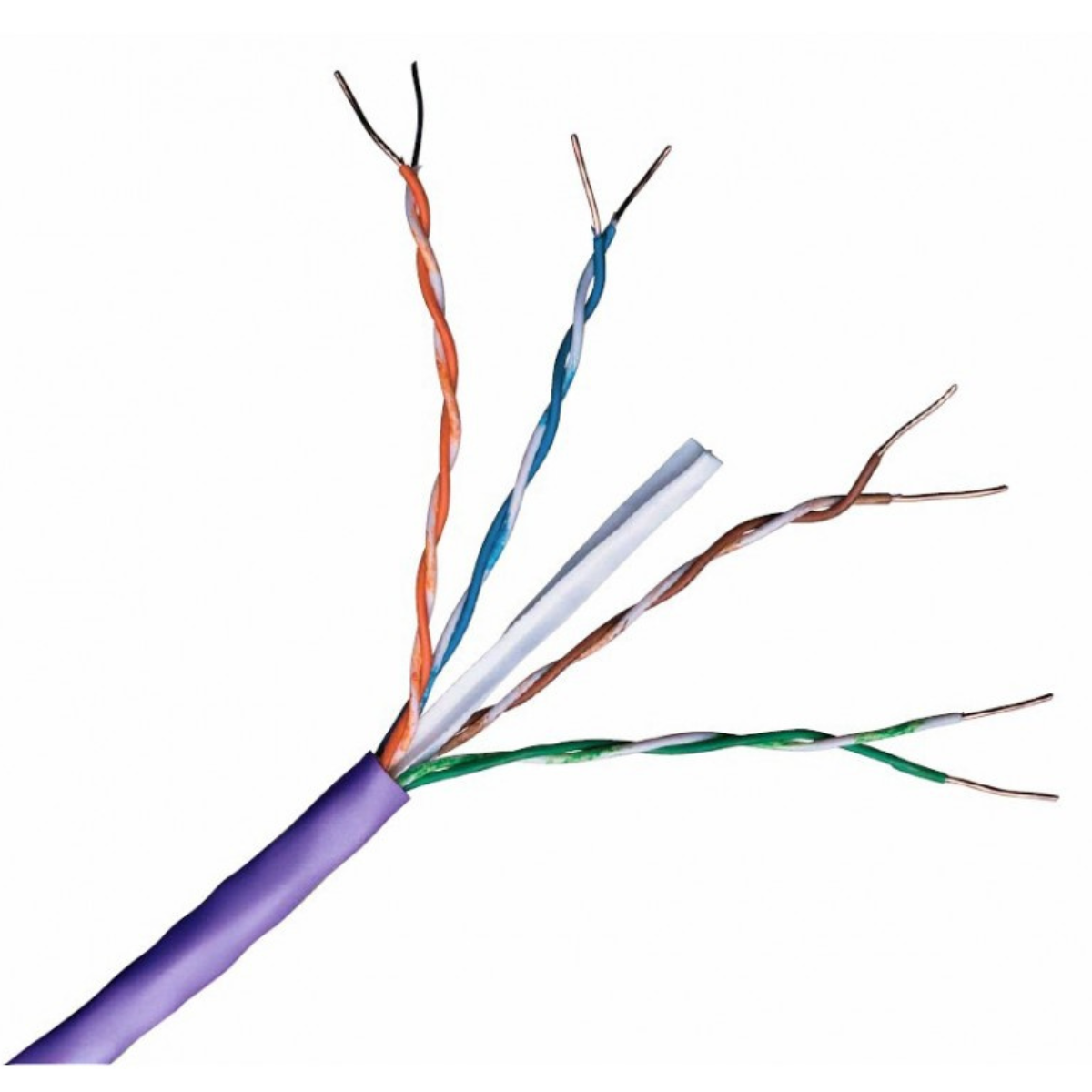
Turning to Cat6 cable, its thicker conductors and improved insulation help it excel in demanding CCTV environments. This makes Cat6 an ideal choice for 4K systems or commercial installations, where maximum bandwidth and reliability are crucial.
Key Features:
- Supports 10 Gbps up to 55 metres
- Supports 1 Gbps up to 100 metres
- 23 AWG thicker copper conductors
- Reduced crosstalk
- Better shielding options
- Improved PoE efficiency
Benefits of Cat6 cable for CCTV:
- Higher bandwidth capacity
- Better signal integrity
- Improved reliability for high-resolution cameras
- Better for larger systems
- Greater futureproofing
Understanding AWG in CCTV Network Cables
The American Wire Gauge (AWG) rating tells you the thickness of the copper conductors inside the cable. The lower the AWG number, the thicker the wire.
- Cat5 / Cat5e: Usually 24 AWG
- Cat6: Usually 23 AWG
A thicker wire offers lower resistance, better signal quality, improved PoE power delivery, and a lower likelihood of heat buildup.
This is especially important for PoE-powered CCTV cameras, which must carry both data and power over a single cable.
With AWG explained, it is important to consider another critical factor affecting cable quality: the conductor material.
The conductor material also impacts cable quality. Copper-clad aluminium (CCA) is cheaper but has higher resistance, greater signal loss, reduced PoE efficiency, shorter reliable distances, and lower durability. Pure copper offers better conductivity, more reliable power delivery, improved signal quality, a longer lifespan, and better PoE compatibility. For CCTV, always use pure copper, especially with Power over Ethernet.
Copper-Clad Aluminium (CCA)
CCA cable uses aluminium conductors coated in copper. While cheaper, it has several drawbacks:
- Higher electrical resistance
- Greater signal loss
- Reduced PoE efficiency
- Shorter, more reliable transmission distances
- Lower durability
Pure Copper Cable
Pure copper cable provides:
- Better conductivity
- Reliable power delivery
- Improved signal performance
- Longer lifespan
- Better compatibility with PoE cameras
Always choose pure copper cable, especially with Power over Ethernet, for reliable CCTV installations.
While CCA reduces upfront costs, long-term reliability concerns mean pure copper cable is strongly recommended.
After selecting the material, your next decision is between UTP (Unshielded Twisted Pair) and STP (Shielded Twisted Pair) cables. The choice between UTP and STP can greatly affect performance and interference resistance, so let's explore each option in detail.
Unshielded Twisted Pair (UTP)
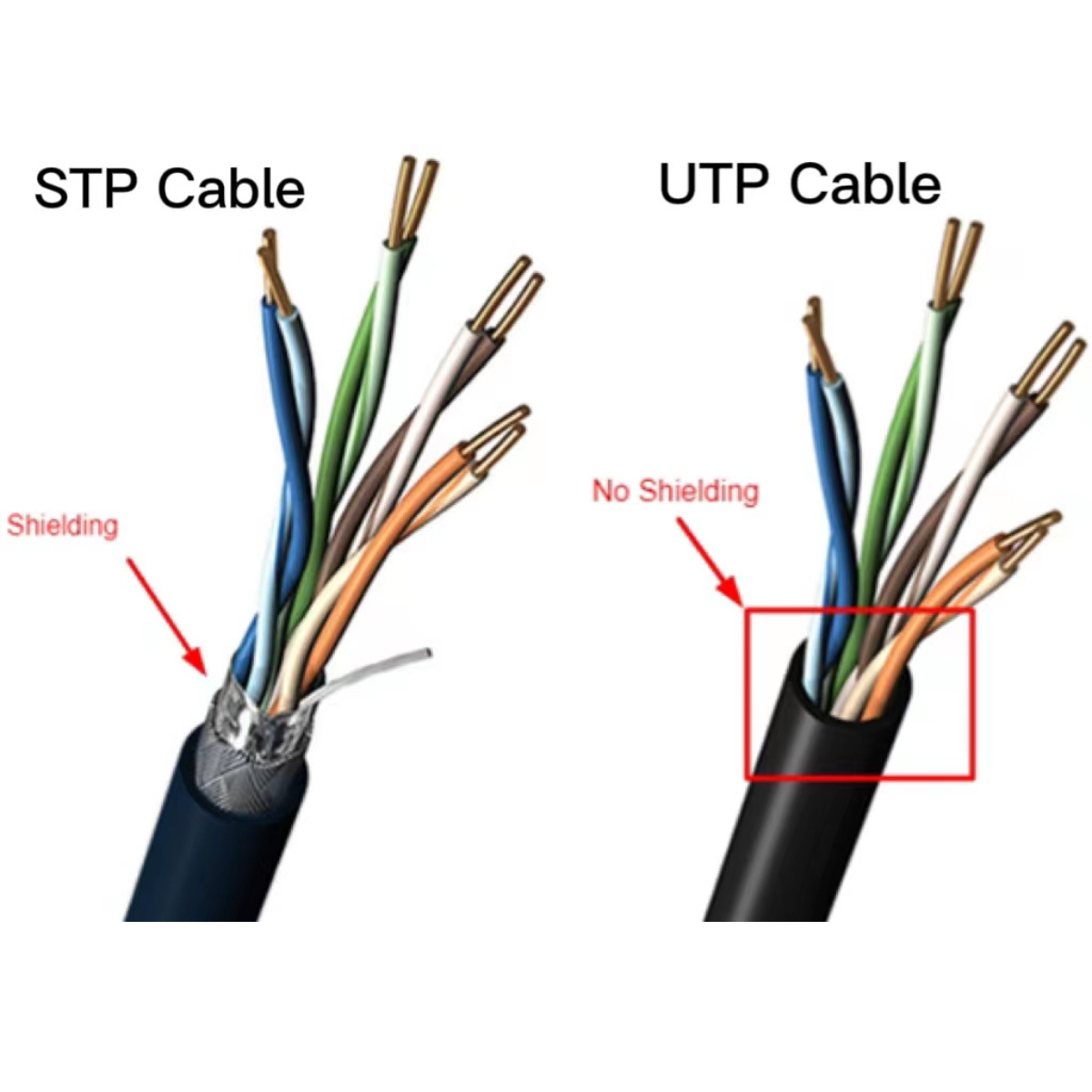
UTP cable contains twisted pairs without additional shielding. The twisted-pair design helps reduce interference in typical environments.
Advantages:
- Lower cost
- Flexible
- Easy to install
- Suitable for most indoor CCTV systems
Shielded Twisted Pair (STP)
STP cable includes shielding around the wire pairs to reduce electromagnetic interference (EMI). For home and office CCTV installations, UTP is generally recommended, while in high-interference environments, STP is advised.
Advantages:
- Better protection from interference
- Useful near electrical equipment
- Ideal for industrial environments
Drawbacks:
- Higher cost
- Less flexible
- Requires proper grounding
- More difficult to troubleshoot
With cable types and shielding options explained, let's now consider their role in analogue CCTV systems and how these cable choices impact analogue technology.
While Cat5e and Cat6 can be used with HD baluns for analogue HD systems, such as:
- HD-TVI
- HD-CVI
- AHD
Cat5e and Cat6 can be used with HD baluns for analogue HD systems like HD-TVI, but coaxial cable is preferred for new analogue CCTV installations due to better signal quality and compatibility.
Use coaxial cable for new analogue CCTV systems for signal quality. Only use Cat5e or Cat6 with baluns as a secondary solution when adapting existing analogue systems.
For new CCTV system installations, transitioning to IP cameras is often preferable over using analogue cabling for analogue cameras. Additional information on IP versus analogue options is available on our blog.
Cat5e vs Cat6
Choose a Cat5e network cable if:
- You are installing a home CCTV system.
- Your cameras are standard HD
- You need a cost-effective solution.
- Cable runs are within 100 metres.
Choose a Cat6 network cable if:
- You are installing 4K or higher resolution cameras.
- You have multiple cameras on the network.
- You need better PoE performance.
- You want a future-proof installation.
- Your environment has higher interference.
Cat5e fits most standard installations. For added value and performance, use Cat6 for modern IP systems.
Final verdict
For basic CCTV systems, use Cat5e for reliable, affordable performance; for larger networks or high-res cameras, use Cat6 for top reliability and performance. Whichever you choose, use pure copper, the correct shielding, and avoid low-quality cable. The right cable keeps your system reliable, efficient, and upgrade-ready.
For large IP CCTV networks or high-resolution cameras, select Cat6 for reliability and top performance.
Most importantly, whichever cable you choose:
- Use pure copper
- Select the correct shielding for your environment.
- Avoid using cheap, low-quality cable.
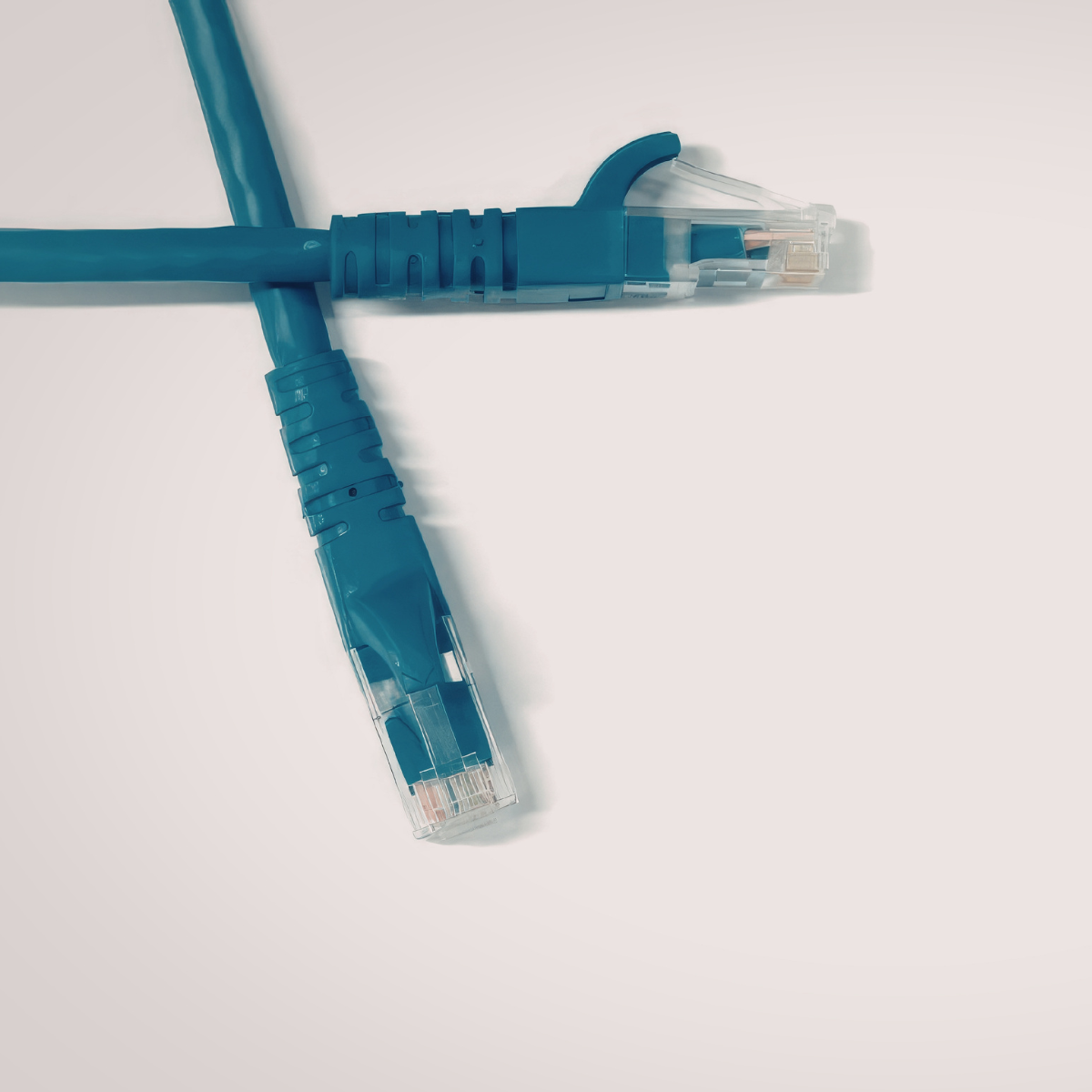
Reliable, efficient, upgradable CCTV systems depend on quality cabling.
Choosing Cat5e or Cat6 depends on your current and future needs. Cat5e is ideal for affordable, reliable HD CCTV systems. On the other hand, Cat6 is better suited for high-performance, future-ready surveillance networks. Always invest in quality pure copper cabling for the best CCTV performance. Your CCTV system's reliability depends on the right cable, so choose carefully.
You can get in touch with your account manager for more information about network cables, or check out our network cable offerings here.