A Closer Look at the Different Types of Access Control Systems

Modern security relies heavily on a wide range of access control systems designed for convenience, control, and protection. Each option offers unique advantages and considerations, so understanding the differences is essential before selecting the best fit for your customer’s property.
Modern security now relies on various access control systems for convenience, control, and protection. Each option has unique benefits and considerations. It's important to understand your options before choosing the best fit for your customer's property. Will you choose a smart access control system or traditional access?
Physical Keys
The traditional lock-and-key entry system remains widely used for its simplicity and affordability. It's easy to install, replace, and operate without electricity, making it better suited to residential than commercial properties.
Despite these benefits, physical keys are vulnerable to loss, theft, and unauthorised duplication. Mechanical locks also wear down over time. This type of system also offers very limited access control compared to modern alternatives, which you can find out more about as you read on.
Keypad Entry
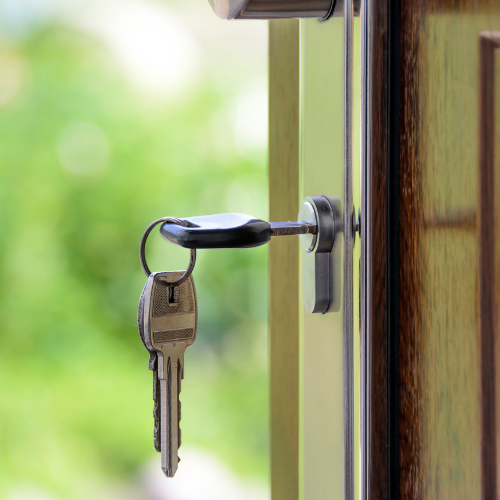
Keypad systems increase convenience by allowing access with a numeric code. Codes are simple to update, and these systems suit small offices, residential blocks, and secondary entrances. Keypads often support card, fob, or biometric authentication as backups.
Keypad door entry can be challenging if codes are shared or observed. Visible wear from overuse is another concern. These systems rely on power and require regular code updates to ensure security.
Card & Fob Door Entry
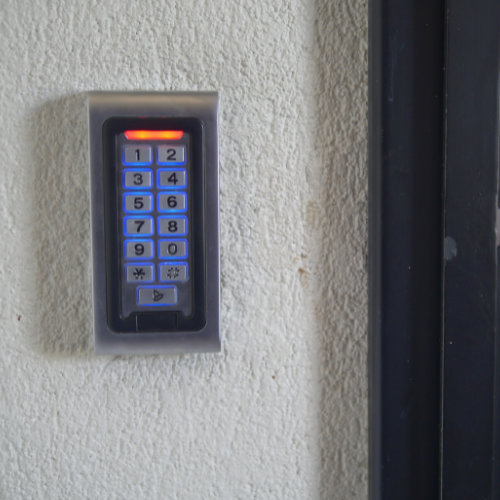
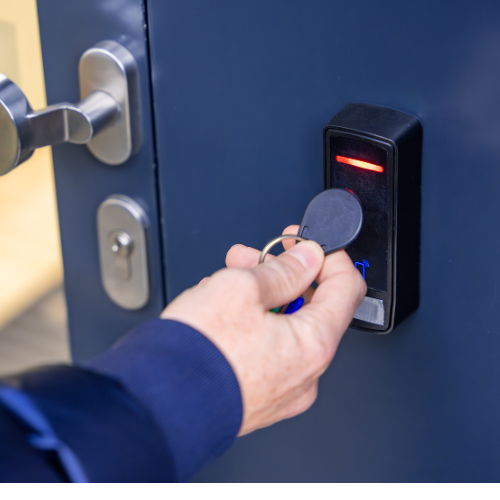
Card-and-fob entry systems use RFID technology for quick, contactless access. Cards or fobs are inexpensive to replace and offer detailed access tracking, making them valuable in commercial environments.
On the downside, lost or stolen cards pose a security risk. Card-and-fob systems require electronic readers (devices that detect cards or fobs electronically) and management software, and cards can be borrowed or shared, potentially undermining security.
Intercoms
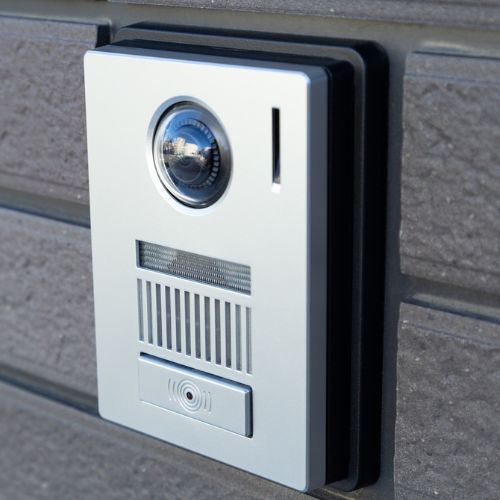
Intercom systems add a layer of verification by enabling communication between the occupant and the visitor before granting access. Communication is possible with audio-only intercoms or more advanced audio-visual intercoms with cameras. These are well-suited for apartments, gated communities, and office buildings. They often integrate with remote access features for added convenience.
These systems are typically more expensive than basic ones. They rely on wired or decent Wi-Fi connections and may require ongoing technical maintenance.
Biometric Access Control
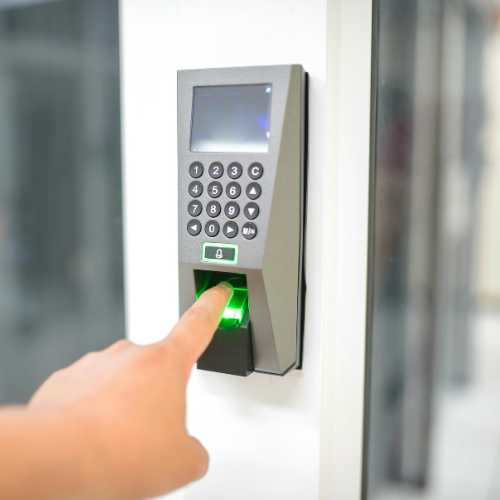
For those seeking cutting-edge security, a biometric access control systems use fingerprints, facial recognition, or retinal scans to verify identity. Biometrics measure a person's unique physical characteristics. These systems offer extremely high security and eliminate the need for keys or cards entirely. They are fast, user-friendly, and difficult to bypass.
However, these systems have higher installation costs. Some users may be uncomfortable sharing biometric data, and environmental factors such as dirt, moisture, or lighting can affect sensor performance, making maintenance a chore.
Smartphone Access Control
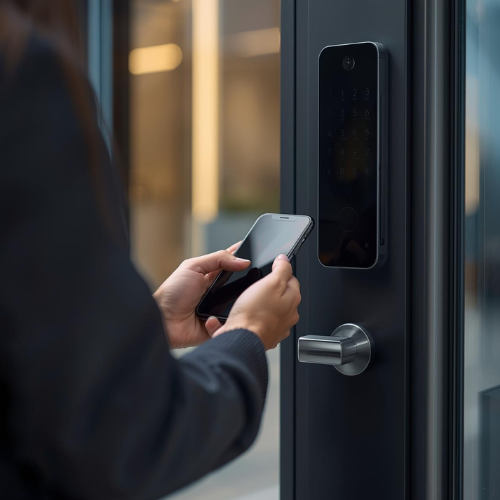
Mobile access control is transforming door security by enabling users to unlock doors with mobile devices rather than keys or cards. Digital credentials in a mobile app communicate with readers via Bluetooth, NFC, or Wi-Fi. Built-in biometrics and encryption increase security, while remote management streamlines access updates.
These systems depend on the device battery and compatibility. Connectivity issues can affect performance. They often cost more to implement and need ongoing IT management. Privacy concerns may arise, and lost or stolen devices pose risks. User adoption may be slower than with traditional access methods.
QR Code Access Control
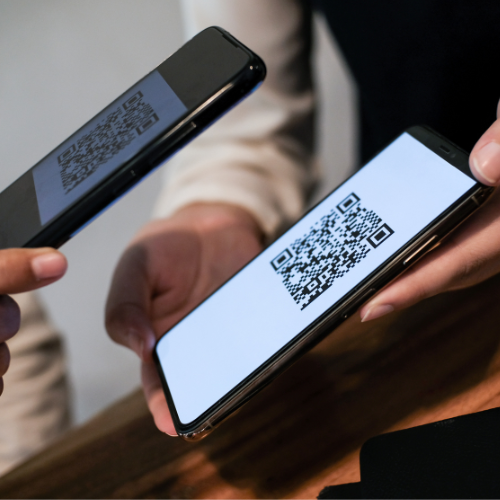
QR code access control uses codes as digital keys for entry to buildings, rooms, events, or digital resources. Codes can be shown on your phone or printed.
This approach is popular in offices, residential buildings, gyms, and events. It eliminates physical keys, allows easy remote issuance, and works well for temporary access.
While it’s cost-effective and easy to integrate with apps or cloud platforms, it can be vulnerable to screenshots or code sharing unless protected by measures such as dynamic codes (codes that change over time), encryption, or time-based expiration (codes that expire after a specific period), and it relies on proper scanner hardware and adequate lighting.
Maglocks
Finally, magnetic and electric strike locks are commonly found in commercial buildings where durability and high-traffic capability are essential. Magnetic locks use electromagnets to generate a magnetic force when powered, holding doors securely in place. Electric strike locks replace traditional strike plates, which are metal plates on the door frame that receive the latch or bolt, to electronically control the locking mechanism. These systems offer strong security and work seamlessly with keypads, card readers, and biometric systems.
However, Maglocks typically require professional installation, a consistent power supply, and, in the case of magnetic locks, compliance with fire and safety regulations, which ensures doors can be safely opened in emergencies.

Need Assistance with Access Control?
Today, door entry systems enhance safety, convenience, and control. With so many types available, quoting for your customer can seem daunting. The best choice depends on property type, security needs, and budget. Whether your customer prefers traditional locks or advanced technology, choosing the right system ensures a secure, efficient environment.
Contact our sales team for expert, tailored guidance on selecting the best door entry system.
Acccess Control FAQs
What are the different types of access control?
There are four types of access control methods:
The four types are Mandatory Access Control (MAC), Role-Based Access Control (RBAC), Discretionary Access Control (DAC), and Rule-Based Access Control, sometimes referred to as RB-RBAC to distinguish it from standard RBAC.
RBAC assigns permissions according to user roles. Rule-Based Access Control applies system-defined rules that activate under specific conditions.
Why is access control important?
Protects Sensitive Data
Access control allows only authorised users to access sensitive data. Without it, data could be exposed, leading to theft, loss, or reputational harm.Prevents Unauthorised Access
Restricting system actions prevents unauthorised users from misusing the system, reducing security risks.Maintains Data Integrity
Only authorised users can change data, preventing intentional or accidental corruption.Supports Compliance and Regulations
Access control helps organisations comply with data privacy laws like GDPR and HIPAA.Limits Damage in Case of Breaches
Strong access control limits attackers’ reach, helping contain damage in the event of a breach.Tracks Accountability
Access control often works in conjunction with logging and auditing, enabling tracking of who accessed what and when. This accountability is vital for forensic analysis, detecting suspicious activity, and enforcing policies.Enables Operational Efficiency
Roles and permissions give users only what they need, reducing confusion and streamlining work.What is an example of access control?
Physical access control includes key cards and key fobs, which employees use to open office doors, as well as biometrics like fingerprint, face, or iris scans. Other examples include keypads requiring a PIN or passcode, security guards who check IDs and control entry, and turnstiles, often found at subway stations or building lobbies, that let in only approved individuals.
Digital access control uses tools like passwords for logging into laptops or online accounts, and multi-factor authentication, which means you need more than one way to prove your identity, such as a password and a code sent to your phone. Other examples include VPNs for secure remote access to private networks, user IDs that identify each person in a system, and access control lists that determine who can view or use specific files or resources.